| PDF to WebGL Export | ||

|
||
|
|

Intro
|
ABCpdf allows to export PDF files to HTML with WebGL 3D content. WebGL is a JavaScript API for rendering GPU-accelerated graphics. It uses a canvas object to render to, a JavaScript interface to interact with the graphics library, and an OpenGL Shader Language (GLSL) for code that is to be executed on the GPU. Your browser needs to support WebGL 1.0 or later. All mainstream modern browsers do this. You can check your WebGL version at http://webglreport.com/
|
Export
|
All you need to do is run code of the following form.
doc.SaveOptions.EmbeddedGraphics = XSaveOptions.EmbeddedGraphicsType.Html5WebGL;
doc.SaveOptions.FontSubstitution = XSaveOptions.FontSubstitutionType.Always;
doc.Save("C:\webpage.htm");
This will produce a main generic output file.
It will also produce a sub folder containing various generic resource files.
Also files containing the actual 3D content as generated from the PDF.
The format of multi line JSON strings inside .js files was chosen to overcome security limitations enforced by browsers, which do not permit loading local files. Choosing to store textures as image files would require a web server to be run in order to render the exported HTML file.
|
Settings
|
The settings.js file allows control over the environment in which the model should be shown. You can control these via URL query strings. For example.
The settings which can be modified are:
|
View & Model
|
Rotate View: If the dynamic view is enabled (settings 'allowDynamicView' set to true, see above) the viewpoint (camera) can be rotated by left-clicking into the canvas object (which fills the body of the html page, so clicking anywhere into the page will start a rotation) and dragging the mouse. Depending on where in the scene the user clicks, the rotation might be different, further away from the center of the scene will result in a rotation around the axis the camera is sitting on (the z-axis pointing "out of the screen"). Zoom View: lf the mouse wheel is enabled ('allowMouseWheelZoom' set to 'true') the view can be zoom by using the mouse wheel (the amount of zoom is set in the 'mouseWheelIncrement' setting), alternatively the view can also be zoomed if a 'zoomKey' is set. In that case the user needs to hold that key, and can zoom with left-click dragging the mouse. Rotate Model: If the 'modelRotateKey' is set, the model can be rotated while
holding down that key, and left-click dragging the mouse. This
rotates the model around it's origin Move Model: If the 'moveKey' is set, the model can be moved (translated) while holding down that key, and left-click dragging the mouse. The movement is along the plane of the screen (rather than the world coordinate system).
|
Lighting
|
The WebGL renderer uses a simple lighting model (see 'enableLight' setting) with a single directional light source (see 'lightPosition' setting). The strength and color of the light source can be set with the 'lightDiffuse' setting, and an ambient light can be added to provide some light for the parts of the model that are facing away from the light source ('enableAmbient' and 'lightAmbient' settings). The directional light source can also result in a specular highlight (simulating a reflection of the light) on the surface, which -depending on the orientation of the model and the viewer- can make parts of the model brighter (use 'enableSpecular' and 'lightSpecular' settings to control this effect). The specular highlight is calculated using the simple Blinn-Phong model.
|
Materials
|
The geometry information stores material information, which affects the light output. The material can have four properties:
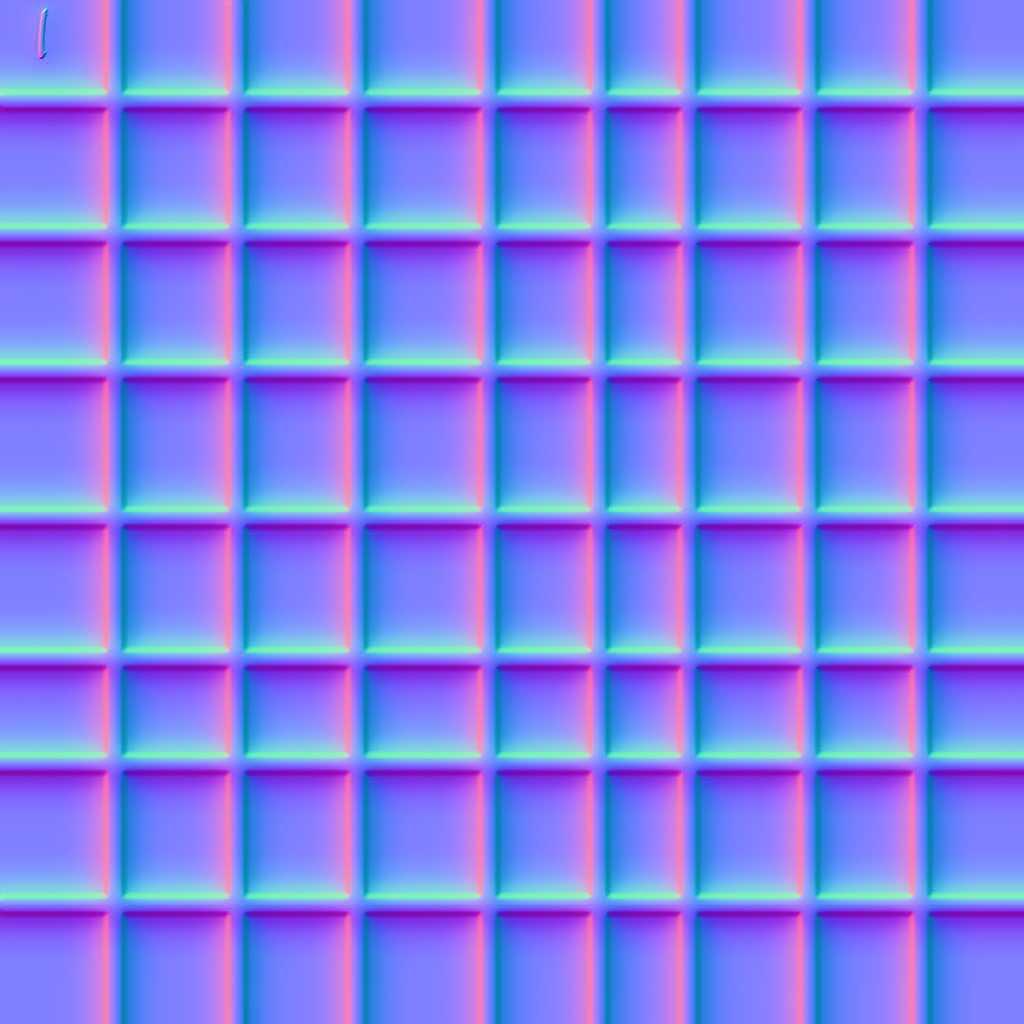
Currently a default diffuse texture, affecting the calculation of the diffuse part of the lighting model, is applied to the model representing the PDF "page" in order to give it a less flat appearance. Additionally a normal map is used to simulate unevenness of the object surface, and this normal map is applied to both the "page" and all the objects rendered on the page - images and text, and graphical objects like curves etc. This normal map essentially replaces the normal information that is stored with the triangles that make up the geometry (those triangles have normals that are perpendicular to the plane of the triangle, to simulate a flat surface), and are basically just a texture (image object) which encodes the normals on a per-fragment basis into a color code to make up an image. As the normals of a surface are supposed to be unit vectors of length 1, it means the individual components of each vector describing the normal will always be in the range of [-1,1]. As the color components of a pixel for the Red, Green, and Blue components are expected in the range [0,1], it means the normals need to be encoded by adding 1 and dividing the result by 2 to normalize them into the [0,1] range. This texture then gets loaded by the GPU, and at rendering time it will look up the texture coordinate for the currently processed fragment, and translate the color into a normal (by reversing the above calculation), and apply this normal instead of the triangle normal. This results in the surface getting a more uneven and realistic look.
|
Custom Textures
|
You can use your own page textures and normal maps by dropping them into the export destination folder. ABCpdf will look for files named:
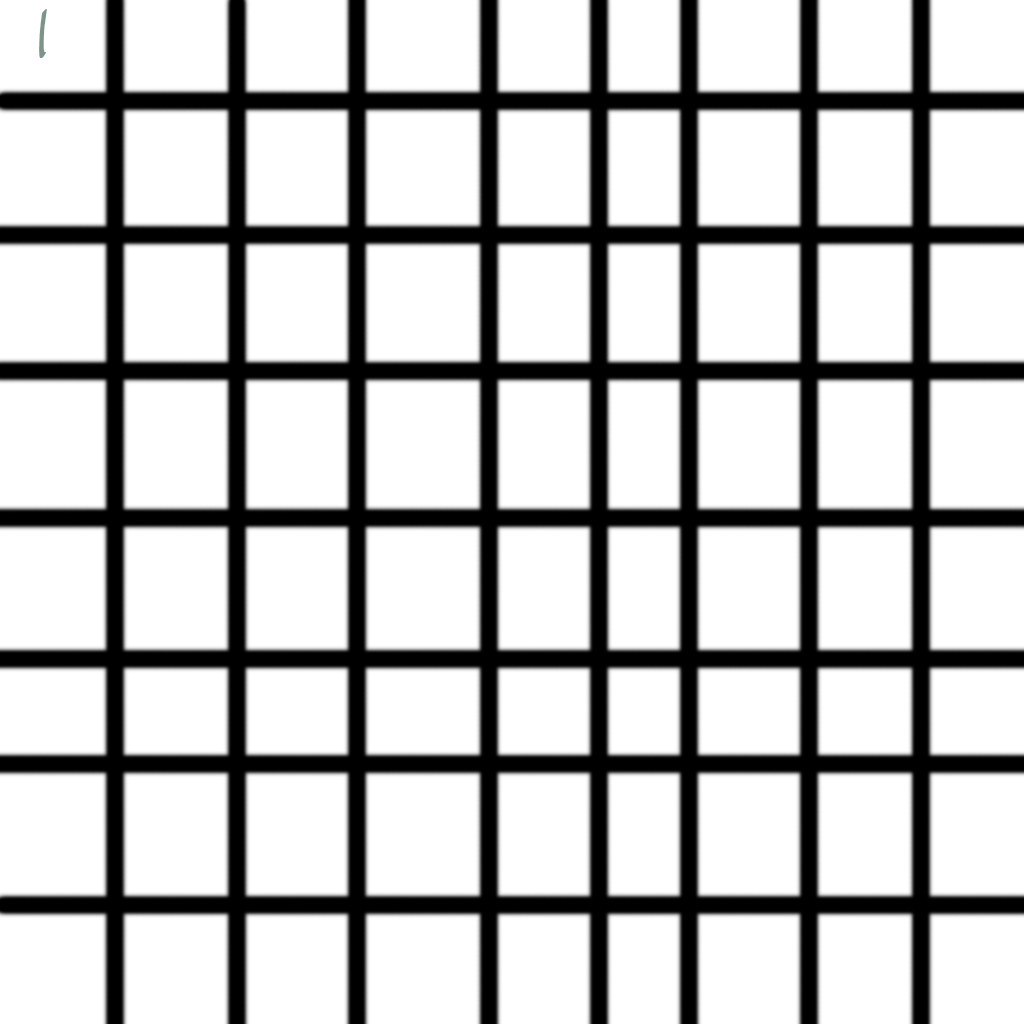
Textures you can make yourself using Photoshop filters. Normals can be created using the Photoshop 3D filters. For example. Given the following texture.
And normal map.
This is the kind of output you might expect.
|